Back to Blog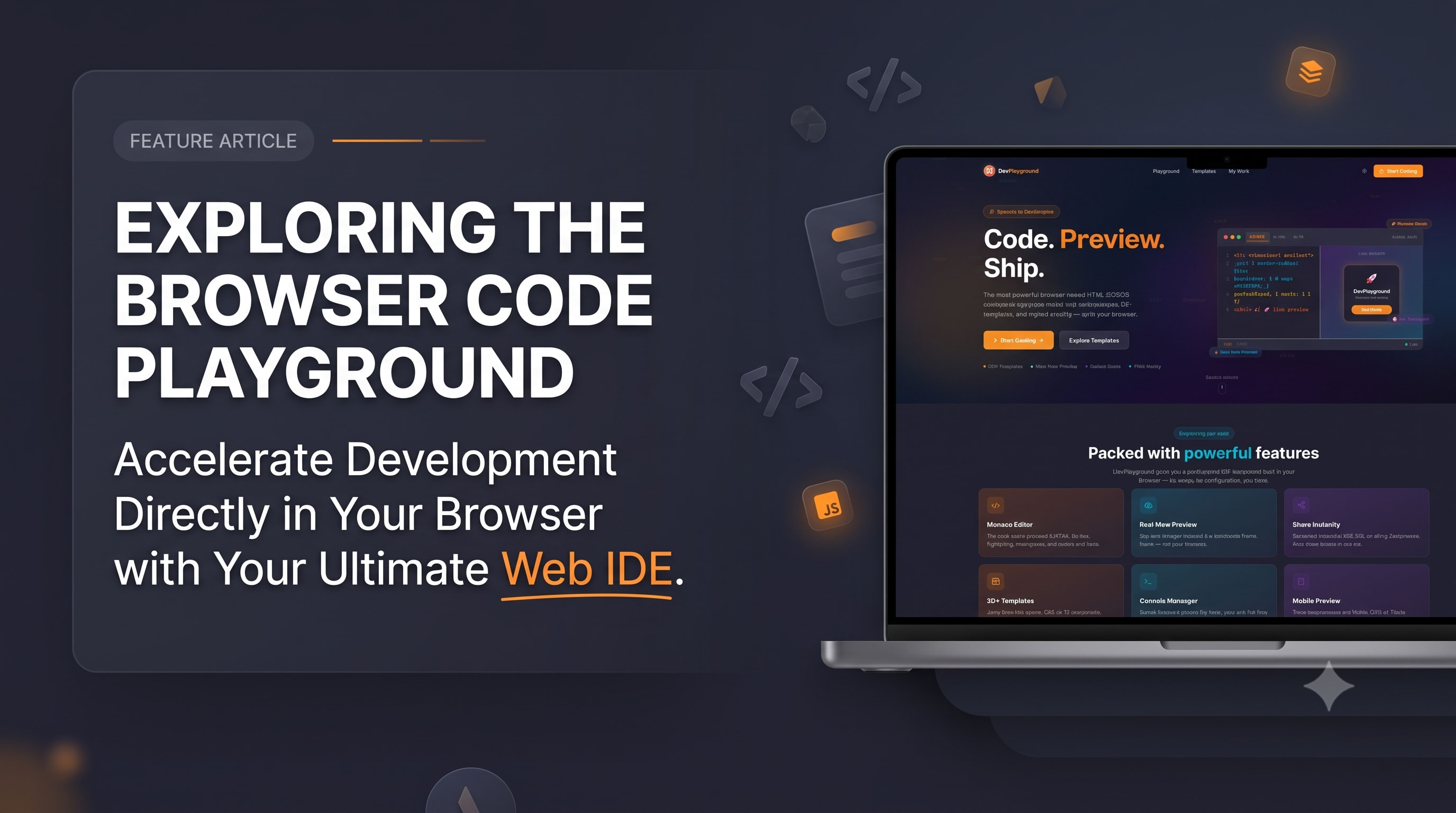
My BlogJuly 11, 2026· 3 min read
DevPlayground: Why I Put VS Code's Editor in the Browser
#Web IDE#Monaco Editor#JavaScript#Developer Tools#Frontend
Every frontend developer knows the ritual: create a folder, spin up files, open a server — just to test a ten-line idea. DevPlayground kills that ritual. It's a full HTML/CSS/JavaScript IDE in the browser, built on Monaco — the same editor engine as VS Code — with a live preview that updates as you type, a real console for debugging, Prettier formatting on demand, and 30+ starter templates for everything from CSS animations to canvas experiments. In this post I explain the architecture: sandboxed iframe previews that stay secure, the state-in-URL sharing system that turns any playground into a link, and the performance work that keeps typing latency invisible. I also talk honestly about the competition — CodePen, JSFiddle, StackBlitz — and where a lightweight, no-account playground fits: teaching, interviews, bug reproductions and those ten-line ideas that deserve zero setup. If you've ever wanted to understand how browser IDEs work under the hood, or you just want a faster scratchpad for frontend ideas, this walkthrough covers both the product and the engineering.